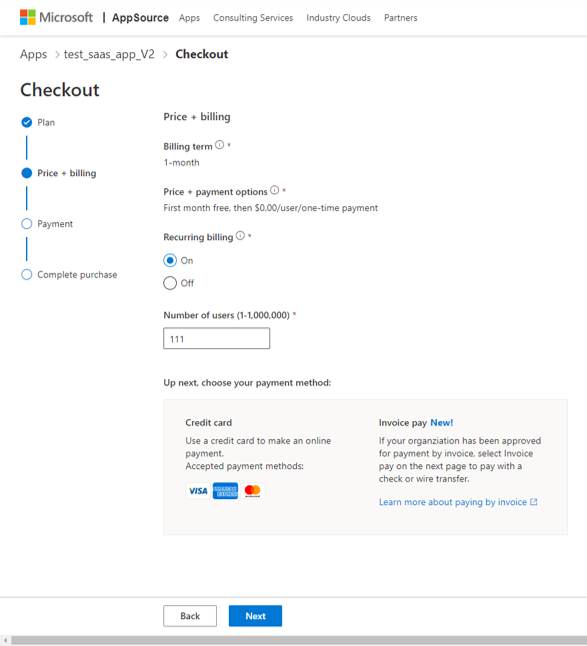
Welcome to Attadale Data Maps! This guide will walk you through the process of installing our software as a service (SaaS) offering on Microsoft Azure. Attadale Data Maps provides access to a data feed of census and other demographic data which can be explored using a Power BI interface. The data feed is a paid subscription, which can be purchased via the Microsoft store, and is billed per-user per-month. The Power BI interface is provided for free and can be modified by the user without restriction, except for use in commercial tools.
Prerequisites
Before you begin, you will need the following:
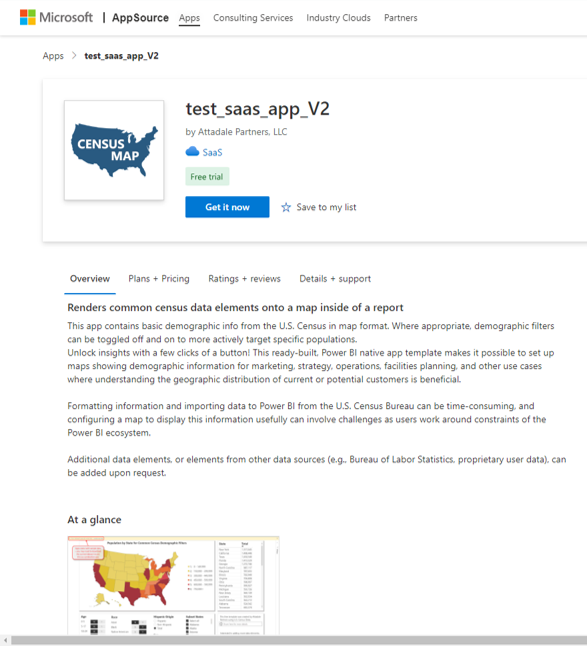
To purchase the data feed, see the SaaS offering at https://appsource.microsoft.com/en-us/product/web-apps/attadalepartnersllc1611095954482.test_saas_app-preview?flightCodes=d777ba7f-3b36-4f3f-9c57-054d9f02f12d
Note: many of the available plans offer a free 30 day trial!
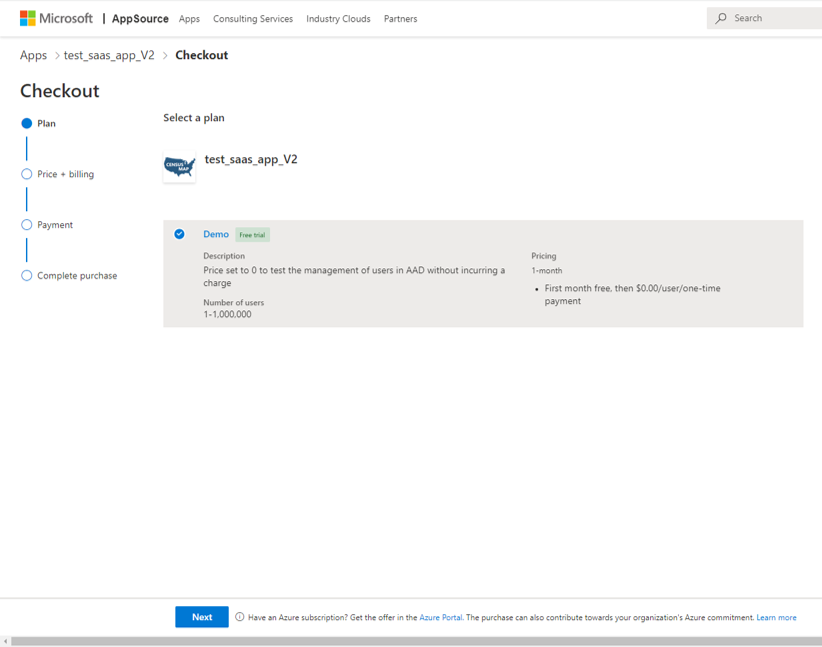
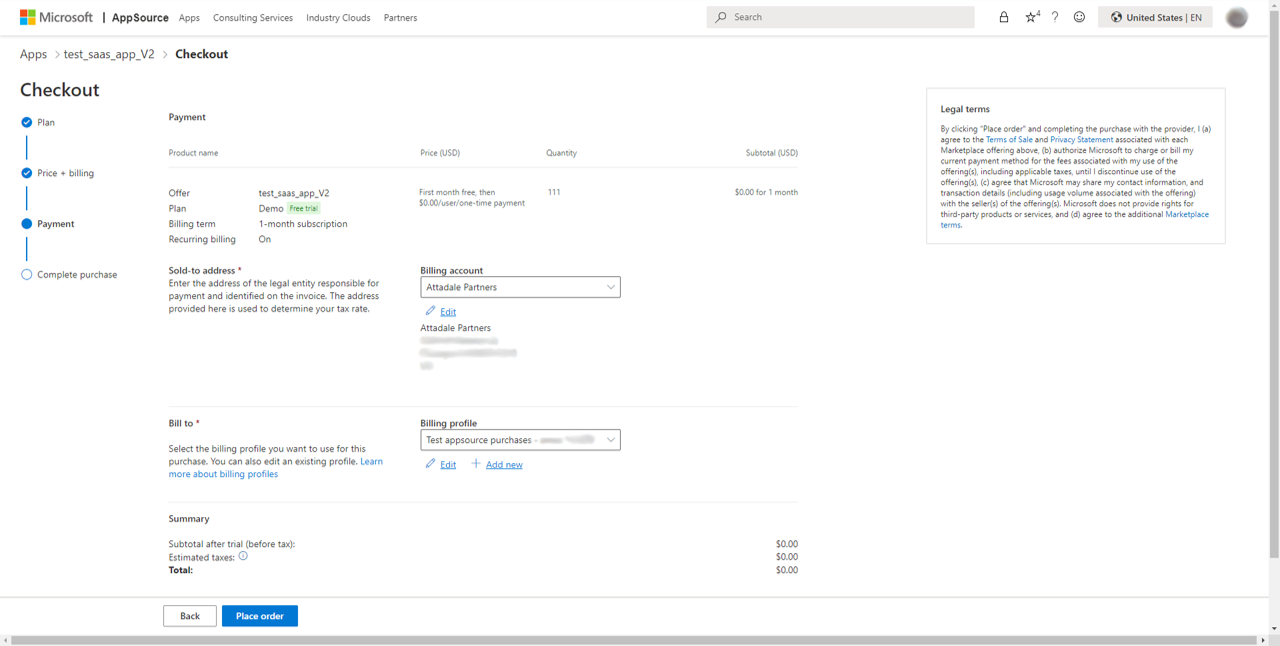
Note: even free trials require a valid payment method, per standard Microsoft requirements
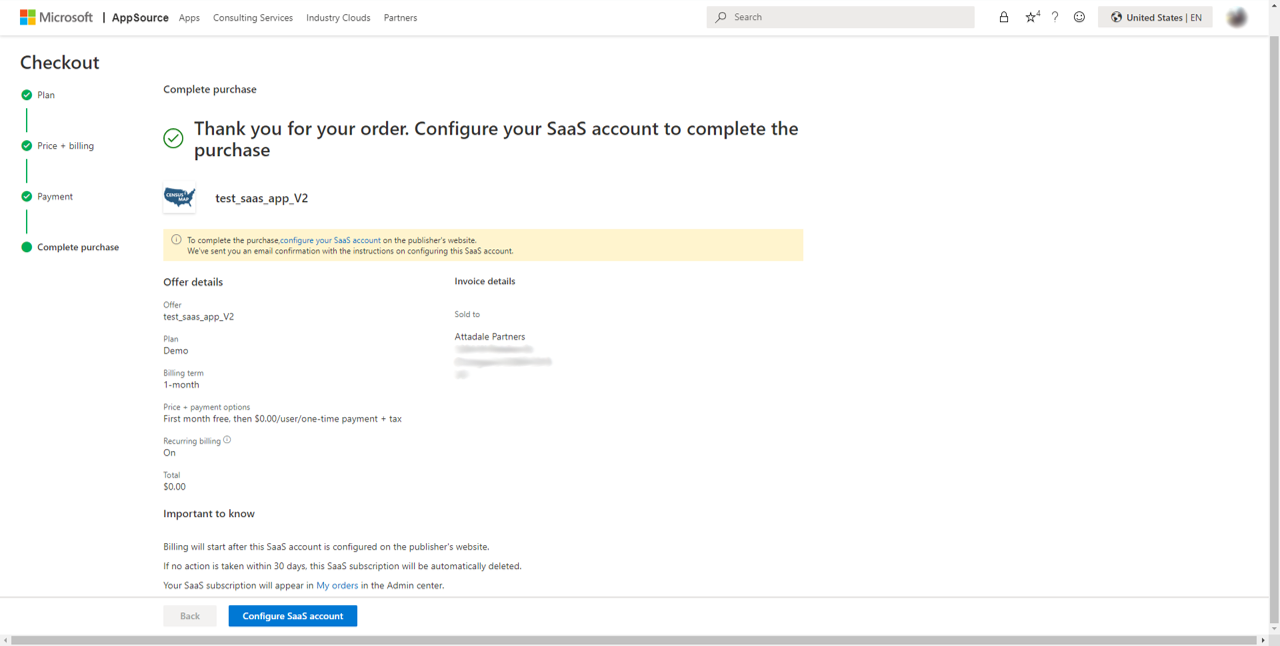
You need to finish the configuration of the app before you can use it – click the “Configure SaaS Account” button at the bottom of the page to proceed the next step.
To activate the data feed, follow these steps:
The data feed is now activated! (Note: activation can take up to 5 minutes.)
To assign users and administrators, follow these steps:
We provide a free Power BI template which interacts with the data feed – see the user guide for more details on using the tool.
You can install this map for users either by copying our template app (recommended), or by downloading the source PBIX file.
The app is now installed and ready to use! You can access it by selecting it from the “Apps” section of the Power BI service.
10 N Martingale Rd, Suite 400, Schaumburg, IL 60173
All contents © 2023 Attadale Partners, LLC. All rights reserved.